Semrush logo
  • Products

    Start Here

    • Semrush One
    • Enterprise
    • Features
    • Request a Demo
    • Talk to Sales

    Find the Right Tools

    • AI Visibility Toolkit
    • SEO Toolkit
    • Traffic & Market Toolkit
    • Content Toolkit
    • Local Toolkit
    • Social Toolkit
    • Advertising Toolkit
    • PR Toolkit

    Platform

    • Integrations
    • App Center
    • API
    • Data Sources

    Top Apps

    • AdClarity
    • Exploding Topics
    • Other apps
  • Pricing
  • Resources

    Grow with Semrush

    • Blog
    • Knowledge Base
    • Academy
    • Success Stories
    • AI Visibility Index
    • Webinars
    • News

    Explore Free Tools

    • AI Visibility Checker
    • SEO Checker
    • Website Traffic Checker
    • Keyword Tool
    • Backlink Checker
    • Top Websites by Traffic
    • Explore Other Free Tools

    About Semrush

    • About Us
    • Stats and Facts
    • Integrations
    • Affiliate Program
    • Contact us
  • Enterprise
Log InSign Up
  • News
  • News
  • Data & Insights
  • Company News
  • Product News
Search icon
Semrush logo
  • Products
  • Pricing
  • Resources
  • Enterprise
  • News
  • News
  • Data & Insights
  • Company News
  • Product News
Log InSign Up

Start Here

  • Semrush One
  • Enterprise
  • Features
  • Request a Demo
  • Talk to Sales

Find the Right Tools

  • AI Visibility Toolkit
  • SEO Toolkit
  • Traffic & Market Toolkit
  • Content Toolkit
  • Local Toolkit
  • Social Toolkit
  • Advertising Toolkit
  • PR Toolkit

Platform

  • Integrations
  • App Center
  • API
  • Data Sources

Top Apps

  • AdClarity
  • Exploding Topics

Grow with Semrush

  • Blog
  • Knowledge Base
  • Academy
  • Success Stories
  • AI Visibility Index
  • Webinars
  • News

Explore Free Tools

  • AI Visibility Checker
  • SEO Checker
  • Website Traffic Checker
  • Keyword Tool
  • Backlink Checker
  • Top Websites by Traffic
  • Explore Other Free Tools

About Semrush

  • About Us
  • Stats and Facts
  • Integrations
  • Affiliate Program
  • Contact us
Main page /Product News

Check your robots.txt with the SEMrush Site Audit tool!

September 2, 2014
Check your robots.txt with the SEMrush Site Audit tool!
You already know the Site Audit tool is an effective way to check broken links and images, missing and duplicate tags, error pages, and much more.
But did you know that the Site Audit tool now checks new issues regarding robots.txt files?
Does your website have a robots.txt file? Is it in the correct format? The Site Audit tool will tell you for sure.
SEMrush will go straight to the root of the domain to check for a robots.txt. If one of these files isn’t found, you will receive a notice that will read “Robots.txt not found” (1).
SEMrush-site-audit-robots-txt-not-found1.png
If your website doesn’t have a robots.txt file, you should consider using one in order to control what search engine robots can see on your website. By listing rules in a robots.txt file, you can forbid malicious bots from accessing your website; block robots from crawling folders and files containing sensitive information that shouldn’t be seen publically or unprepared webpages to prohibit them from appearing in the SERP (2); prevent your website being overload by indicating a crawl delay (3); or even avoid duplicate content issues.
semrush-robots-txt-commands-example2.png
If your website does have a robots.txt file, SEMrush will determine if it conforms to a standard. If it doesn’t, you will receive an error message reading “Robots.txt file has format errors” (4). In this case, you should revise and correct the file to ensure that your site’s robots.txt commands are in the right format.
SEMrush-site-audit-robots-txt-format-error.png
Moreover, the Site Audit feature will inform you if the robots.txt file isn’t pointing to a sitemap.xml file on your website. If you get a warning that reads “No link to sitemap.xml found in robots.txt”, you should indicate your XML Sitemap’s location, according to SEO best practices (5).
bbc.png

Download as

PDF
DOCX

Share

Relevant news

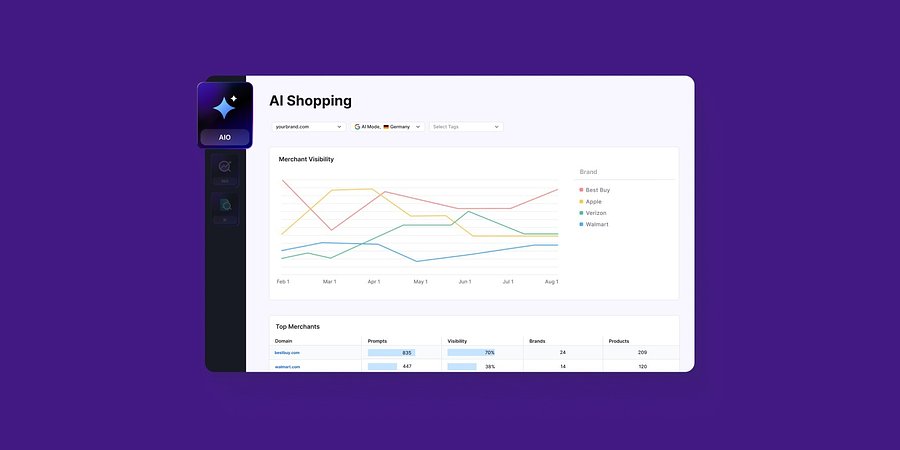
Enterprise AIO Extends AI Shopping Report Across ChatGPT and Google AI Mode

Semrush Enterprise AI Optimization’s (AIO) AI Shopping report now delivers unified merchant and product-level insights across both AI shopping experiences.
Product News
March 6, 2026

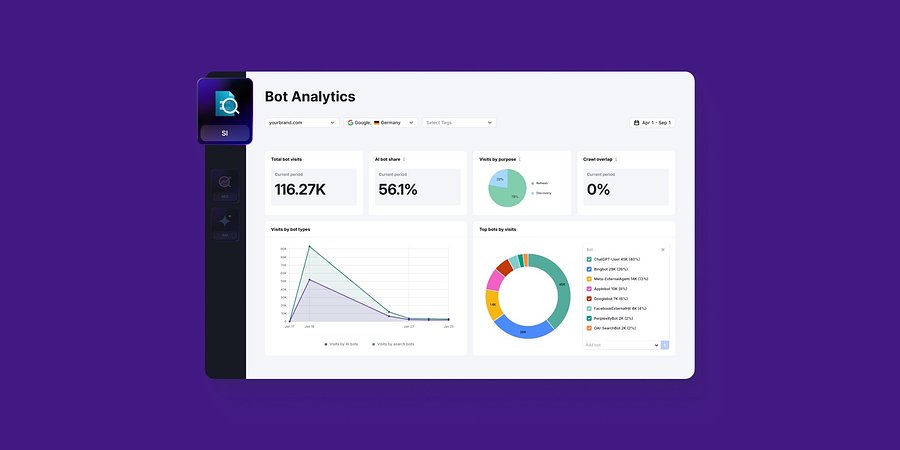
Semrush Enterprise Adds Log File Analysis to Site Intelligence and AI Optimization

New Bot and Agent Analytics capabilities give teams clearer understanding of how search engines and AI crawlers interact with their websites, unlocking new visibility opportunities.
Product News
February 2, 2026

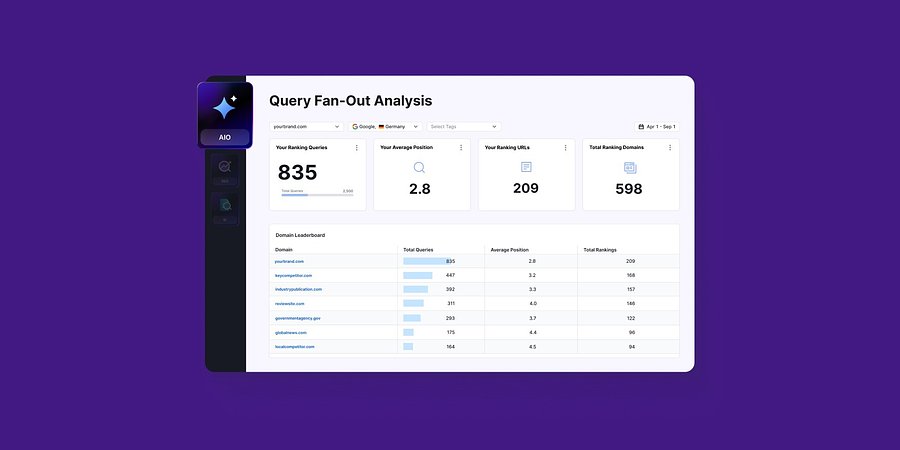
Query Fan-Out Analysis Comes to Semrush Enterprise AI Optimization, Revealing the Search Signals Behind AI Responses

New capabilities identify the background queries made by AI models, which are run through search engines. This helps brands identify further terms to target for AI visibility and align their SEO and GEO strategies
Product News
January 15, 2026

Get started with Semrush today

Try Semrush free for seven days. Cancel anytime.

Start free trial
  • Semrush One
  • Features
  • Pricing
  • Free Trial
  • Compare Semrush
  • Success Stories
  • Stats and Facts
  • Affiliate Program
  • Enterprise SEO
  • Enterprise AIO
  • Enterprise SI
  • Insights24
  • Mfour
  • App Center
  • Top Websites
  • Free Tools
  • Sensor
  • About Us
  • News
  • Careers
  • Partners
  • For Investors
  • Semrush Select
  • Global Issues Index
  • Contact us
  • Knowledge Base
  • Academy
  • API
Community
  • Semrush Blog
  • Webinars
  • Ambassador Program
LinkedInInstagramTikTokYouTubeFacebookX
© 2008 - 2026 Semrush. All rights reserved.
Privacy PolicyTerms of ServiceCookies Settings
Semrush