Internal link analysis is crucial in site design if you want your website to be indexed by search engines; Google said this some time ago and it still holds true. Your link architecture allows crawlers to find your webpages and helps users to navigate your site.
To help you identify errors related to internal linking on your website and find ways to fix them, we’ve developed the Internal Linking Report within Site Audit. Let’s see what it gives you in detail.
Internal Linking Report
To access the report, head to your project for which you’ve set up Site Audit or create a new one and click on the ‘View Details’ button.
Now you have all the information on your website’s link architecture in one page.
Internal LinkRank
Above all, it’s important to mention the Internal LinkRank (ILR) we’ve developed, on which the substantial data in this report is based. The ILR measures the importance of your website pages in terms of link architecture.
The ILR takes into account all your internal links and the pages they lead to, and gives you an idea of how strong a page is in terms of internal linking on your website. The closer the number to 100, the stronger a page is.
Internal Link Issues
This section is the most important in the whole report — it contains a list of issues with your site’s internal link architecture and gives you information on how to solve them.
Focus on errors and warnings, as these issues are the most severe in your link architecture. Also pay attention to notices, especially if you have a lot of similar issues — that’s a sign that your website may have a weak link architecture.
Click on an issue box to get more details and on the ‘Why and how to fix it’ box to get actionable recommendations on your issues.
Pages’ Crawl Depth
This graph gives you the big picture of what’s going on with your link architecture and how easy it is to access your webpages from the home page. If you have too many pages with 4+ clicks depth, there is a chance that crawlers may miss them and fail to index.
Click on a part of the circle to get access to a list of respective pages.
Internal Links
This graph shows you the distribution of internal links across your website.
The Incoming section allows you to detect pages that are difficult to get to. Pay attention to those that have zero or only a few links pointing to them.
The Outgoing section lets you find pages overloaded with links. Consider those that have more than 100 links. A huge number of links from a single page should be justified, otherwise, you can get penalized by Google.
Click on a bar to see a list of respective pages.
Internal Link Distribution
This graph demonstrates how links are distributed across different types of your website's pages. It allows you to detect weak pages that may lack link juice — the value passed from one page to another. Pay attention to those that with an ILR of less than 10.
Click on any one of the provided types to get access to a list of respective pages.
Pages Passing the Most Internal LinkRank Value
This section gives you the top 10 strongest pages on your website that will pass the most internal LinkRank value, if you place a link from them.
Click on ‘View full report’ to get a wider list of pages.
What do you think of this update? Share your feedback and thoughts on how to improve Site Audit by dropping us an e-mail at [email protected].
Semrush is a leading online visibility management SaaS platform that enables businesses globally to run search engine optimization, pay-per-click, content, social media and competitive research campaigns and get measurable results from online marketing. Semrush offers insights and solutions for companies to build, manage, and measure campaigns across various marketing channels. Semrush, with over 91,000 paying customers, is headquartered in Boston and has offices in Philadelphia, Trevose, Austin, Dallas, Amsterdam, Barcelona, Belgrade, Berlin, Limassol, Prague, Warsaw, and Yerevan.
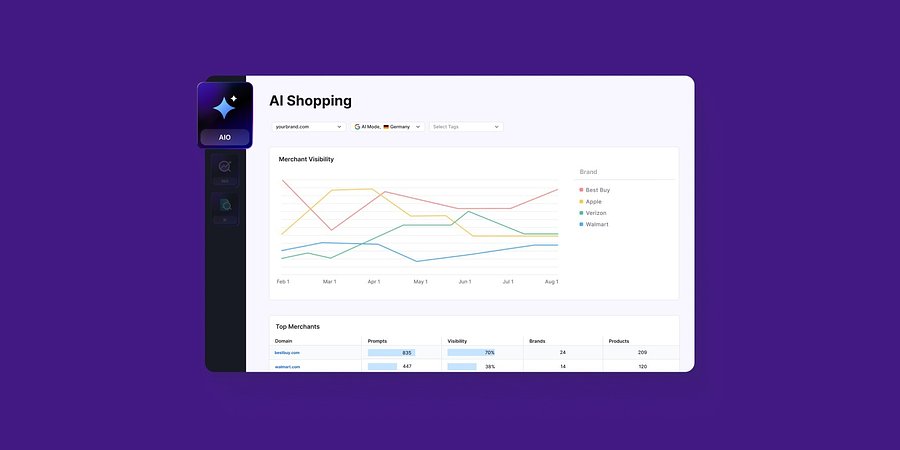
Enterprise AIO Extends AI Shopping Report Across ChatGPT and Google AI Mode
Semrush Enterprise AI Optimization’s (AIO) AI Shopping report now delivers unified merchant and product-level insights across both AI shopping experiences.
Product News
March 6, 2026
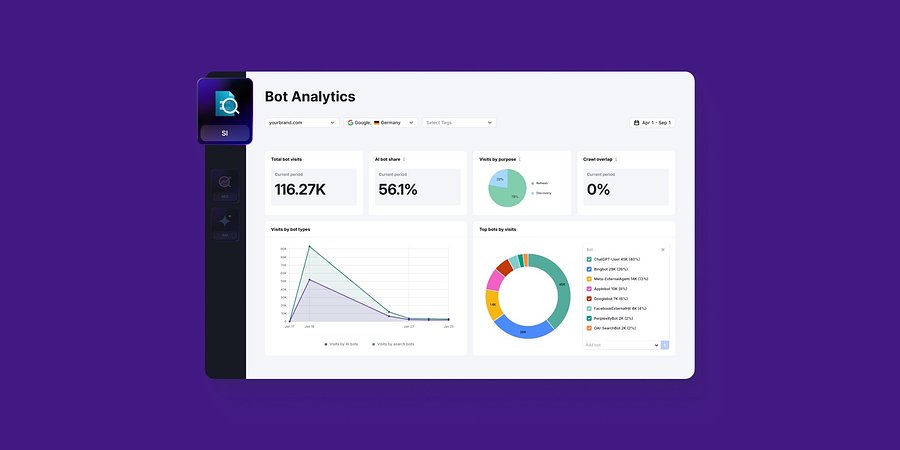
Semrush Enterprise Adds Log File Analysis to Site Intelligence and AI Optimization
New Bot and Agent Analytics capabilities give teams clearer understanding of how search engines and AI crawlers interact with their websites, unlocking new visibility opportunities.
Product News
February 2, 2026
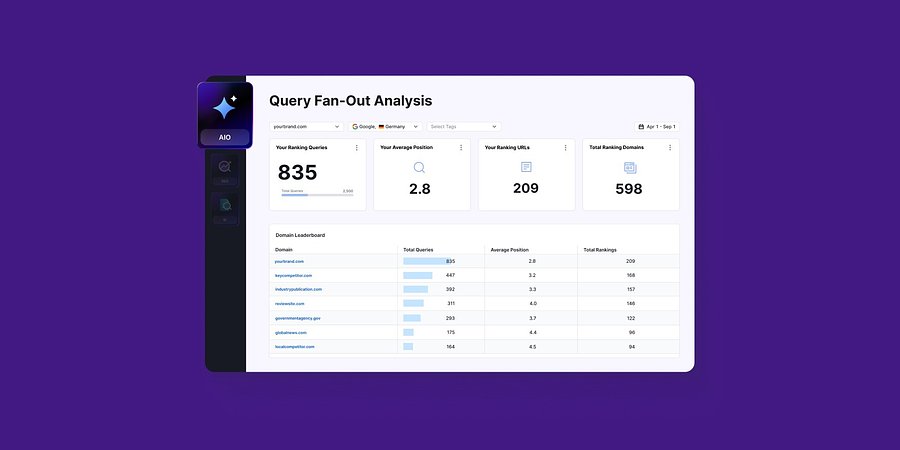
Query Fan-Out Analysis Comes to Semrush Enterprise AI Optimization, Revealing the Search Signals Behind AI Responses
New capabilities identify the background queries made by AI models, which are run through search engines. This helps brands identify further terms to target for AI visibility and align their SEO and GEO strategies